iCloud Music Player
Your music, played from iCloud Drive.
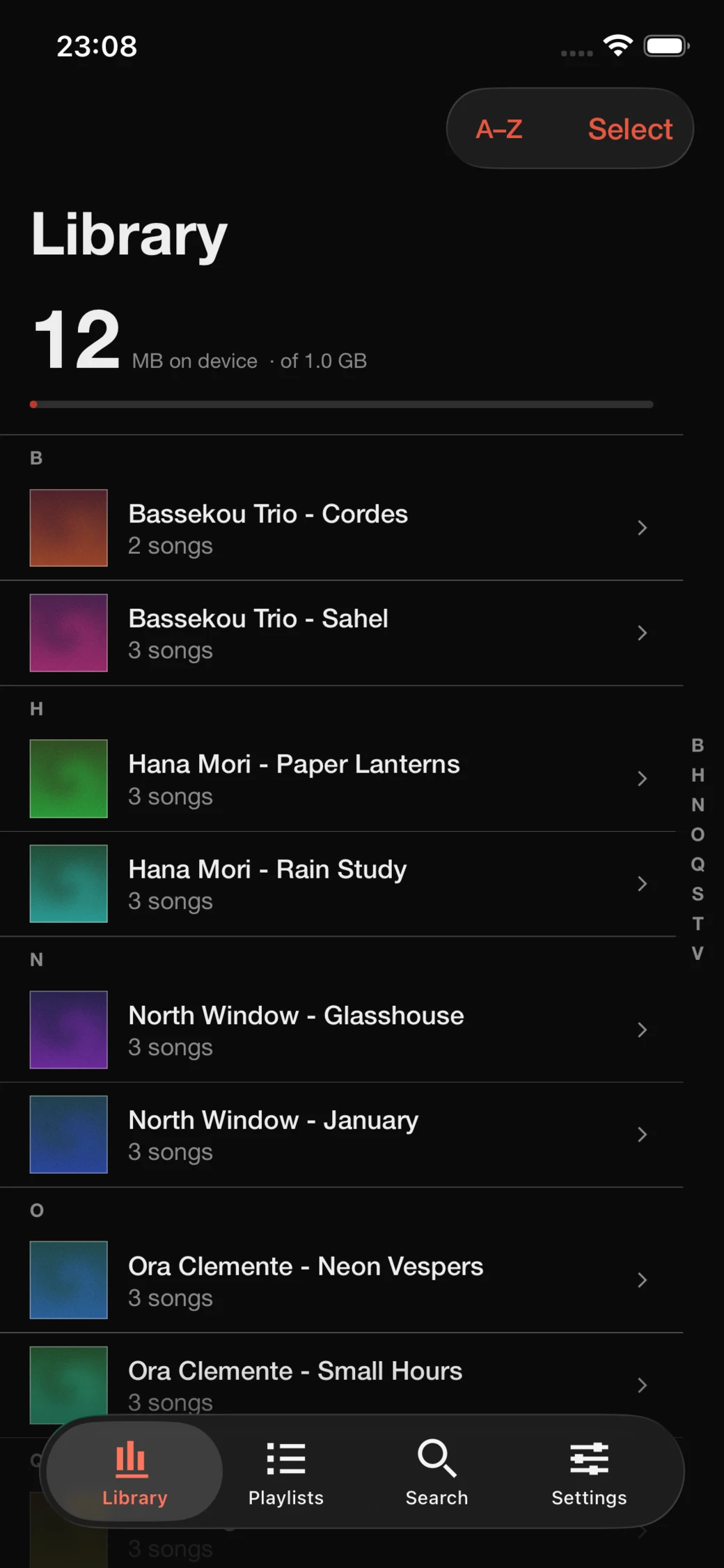
No uploads. No server. The library stays where it already is, and the phone keeps only what you are listening to.
- Your folder
- Point Spine at it once. Nothing is copied, moved, renamed or uploaded.
- Your budget
- You choose how much the phone may keep. Past it, the least recently played downloads go.
- The first second
- A file arrives and playback starts. You do not wait for an album to finish downloading.
- The tags
- Title, artist, album, disc and track come from the file. Artwork comes from the folder or the audio itself.
01 — The album
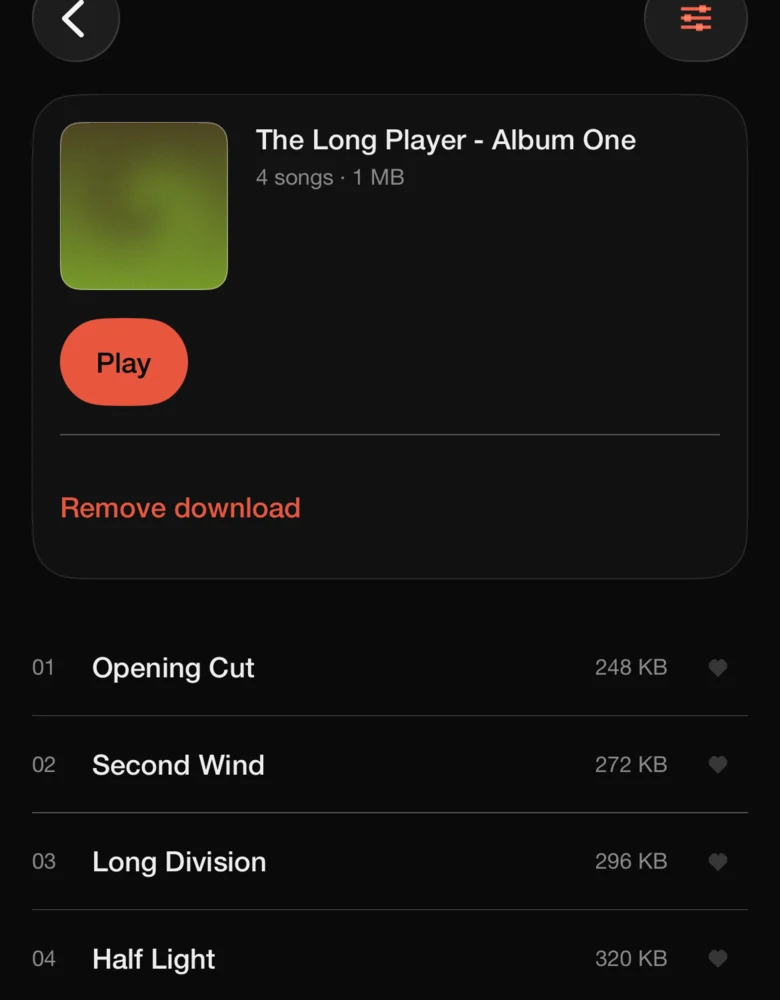
An album opens as a record, not a folder of files.
Disc and track numbers order the songs the way they were sequenced. One button plays the album from the top and keeps it in the queue. Downloading an album is a decision you make, not a side effect.
02 — The player
The file that is playing is the only one that has to be there.
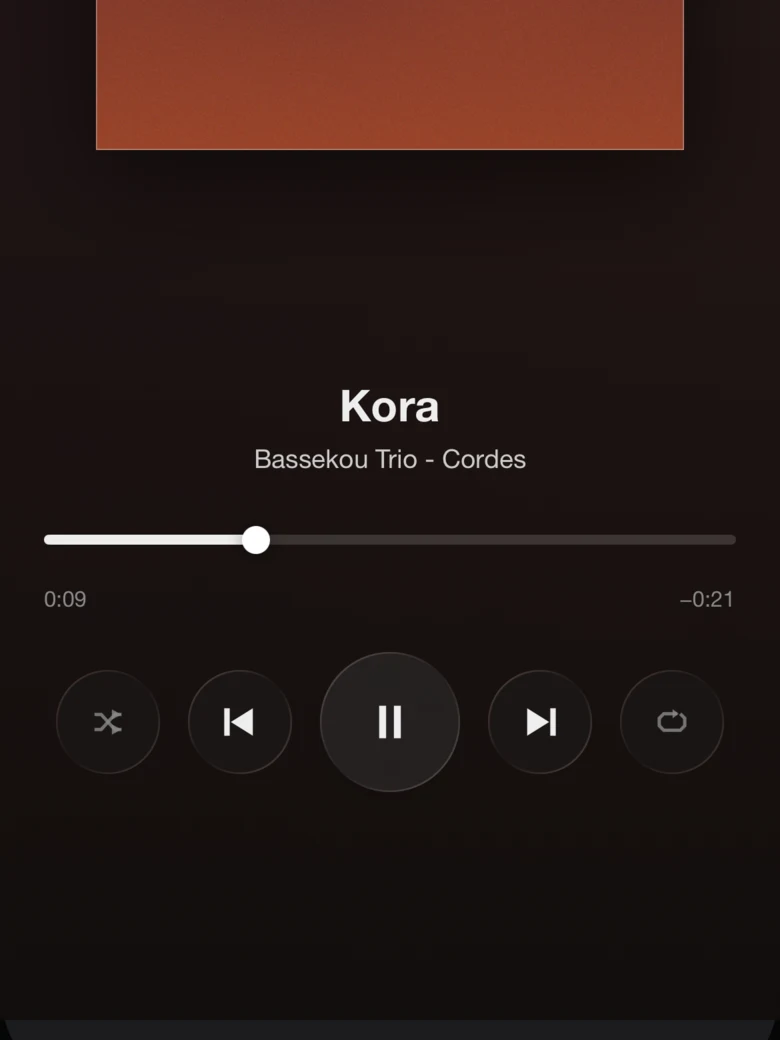
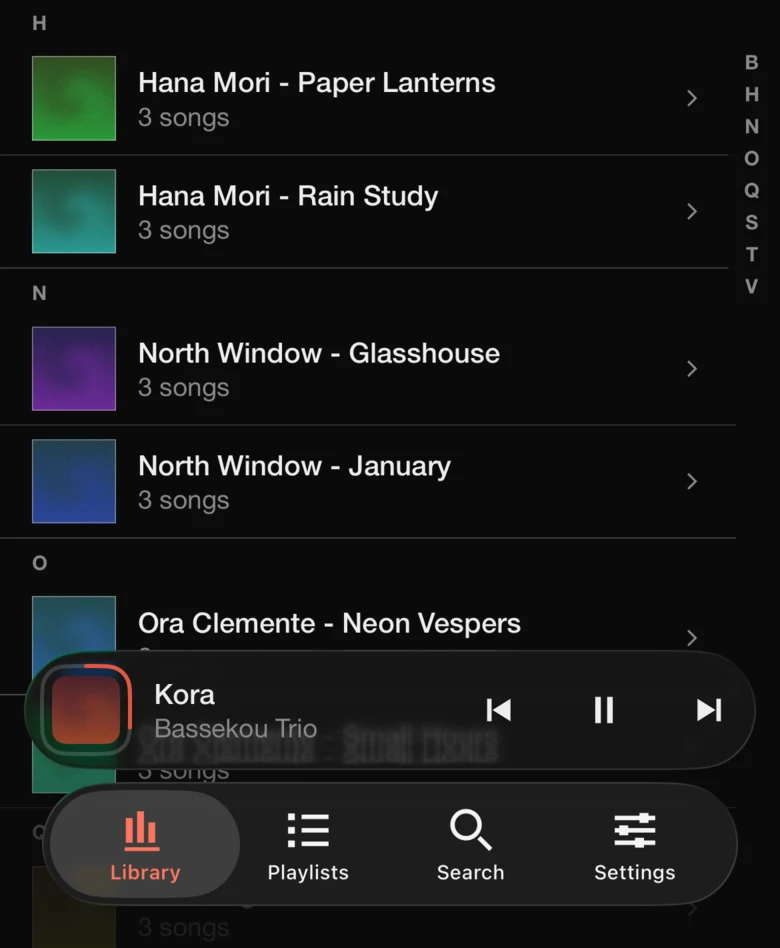
Playback begins as soon as the first bytes land. Eviction never touches the song in your ears or the few after it, and the sleeve carries the progress so the bar does not need a second line.
03 — The queue
Songs, not albums. The music does not stop at the end of a record.
When the queue runs out the player carries on with songs from anywhere in the library, preferring the ones already on the phone. Shuffle and repeat are remembered. Any song can be sent next or last from its own menu.
04 — The passenger
Another phone can change what is playing, without a server in the middle. One phone lets a nearby phone in, once. It runs directly between the two devices, encrypted, so the queue, the cache and the listening log are never a special case — the guest presses the same buttons the host does.
What it does not do
No uploadYour files never leave the folder you chose, and nothing is transcoded.No serverNo domain, no machine to keep awake, no second copy of your collection.No accountNo sign-in, no profile, no library in someone else's database.No telemetryListening stays on the phone. The site you are reading has no analytics either.
In TestFlight. Spine runs on iPhone with iOS 18 or later.
FLAC, WAV, AIFF, ALAC, M4A, MP3 and AAC — in any subfolder.